 World Clock
Make World Clock your own
Choose how to display time, distance and weather, and which details appear under each favorite city.
Where to find itSettings
Find the setting you want
- Appearance. Follow the system theme, choose light or dark, adjust text size or change the default tab.
- Widgets. Set the Travel Clock home time zone and tap action, or request an update for all widgets.
- Formats and units. Choose the time format, kilometers or miles, decimal degrees, DMS or DMM, and the search radius for nearby places.
- Time Verification. Check the device time against an NTP server. World Clock can show a corrected time if the device clock is off.
- Open-Meteo. Select Celsius or Fahrenheit, the perceived-temperature method, wind units (m/s, km/h, mph) and pressure units (hPa, kPa, psi).
- Favorites Details. Use the live preview to choose country, weather, coordinates, sunrise and sunset, Moon times, time difference, distance and direction.
- Permissions. Check location and photo-saving access and open the corresponding iOS settings.
- Time Standards. Add Zulu time, Unix time or the Julian date to Clocks.
- Cache. Review storage by category and clear downloaded data, such as satellite imagery and saved weather.
- Support and attribution. Rate or share the app, email feedback, or look up data providers and software licenses.
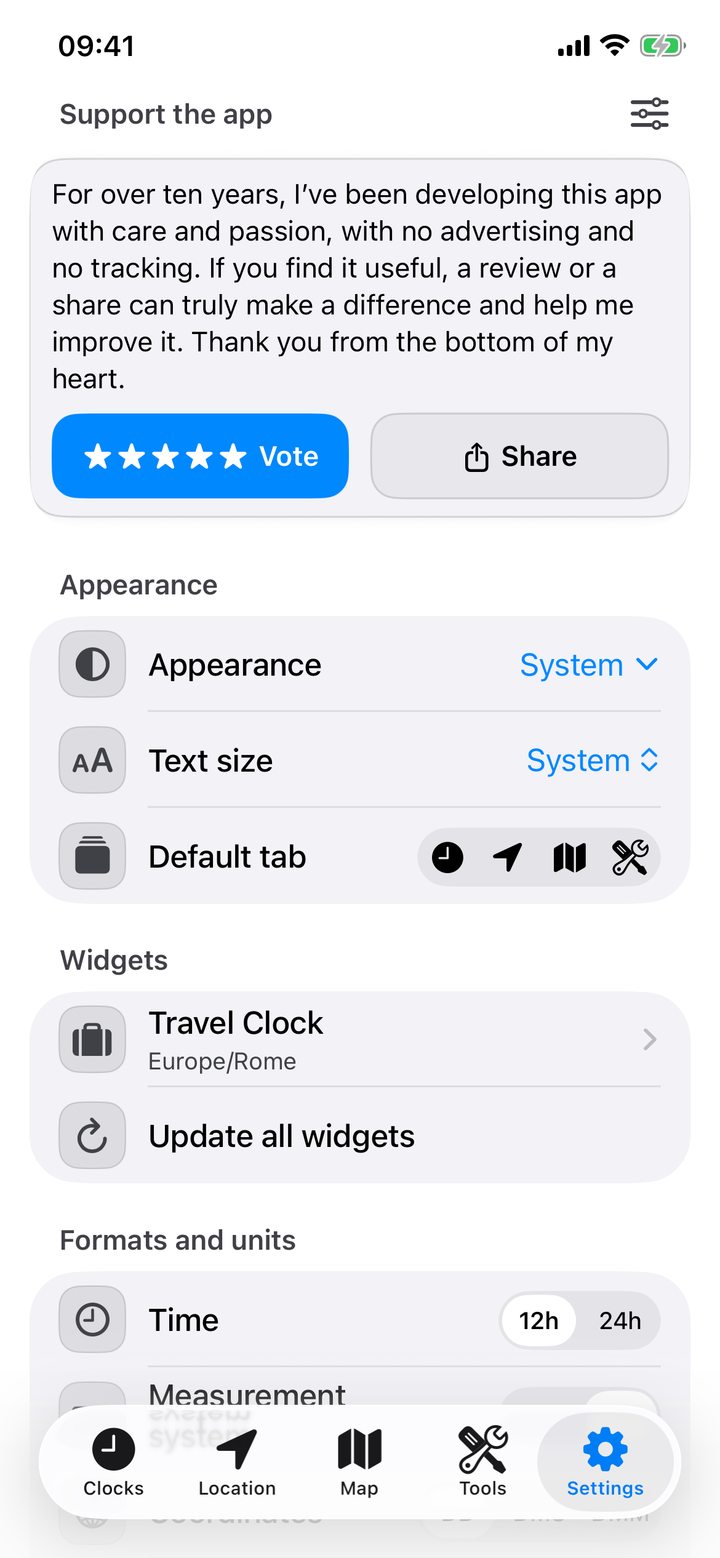
Reorder or hide settings sections
Tap the customization control, then move the sections or hide ones you rarely use. Attribution remains accessible. Restore the default layout to put them back in their original order.
Choose 12 or 24 hours
In Formats and units › Time, select 12h or 24h. Check Clocks, Flight Itinerary and Meeting Planner to see the selected format. For a Home Screen widget, use its own time-format option where available.