 World Clock
Open a map link in another app
Turn a map link or grid reference into coordinates you can copy, share or open in your favorite map app.
Where to find itTools › Utilities › Map Link converter
Convert a map link
- Copy a link from a map or message, a pair of coordinates or a location code.
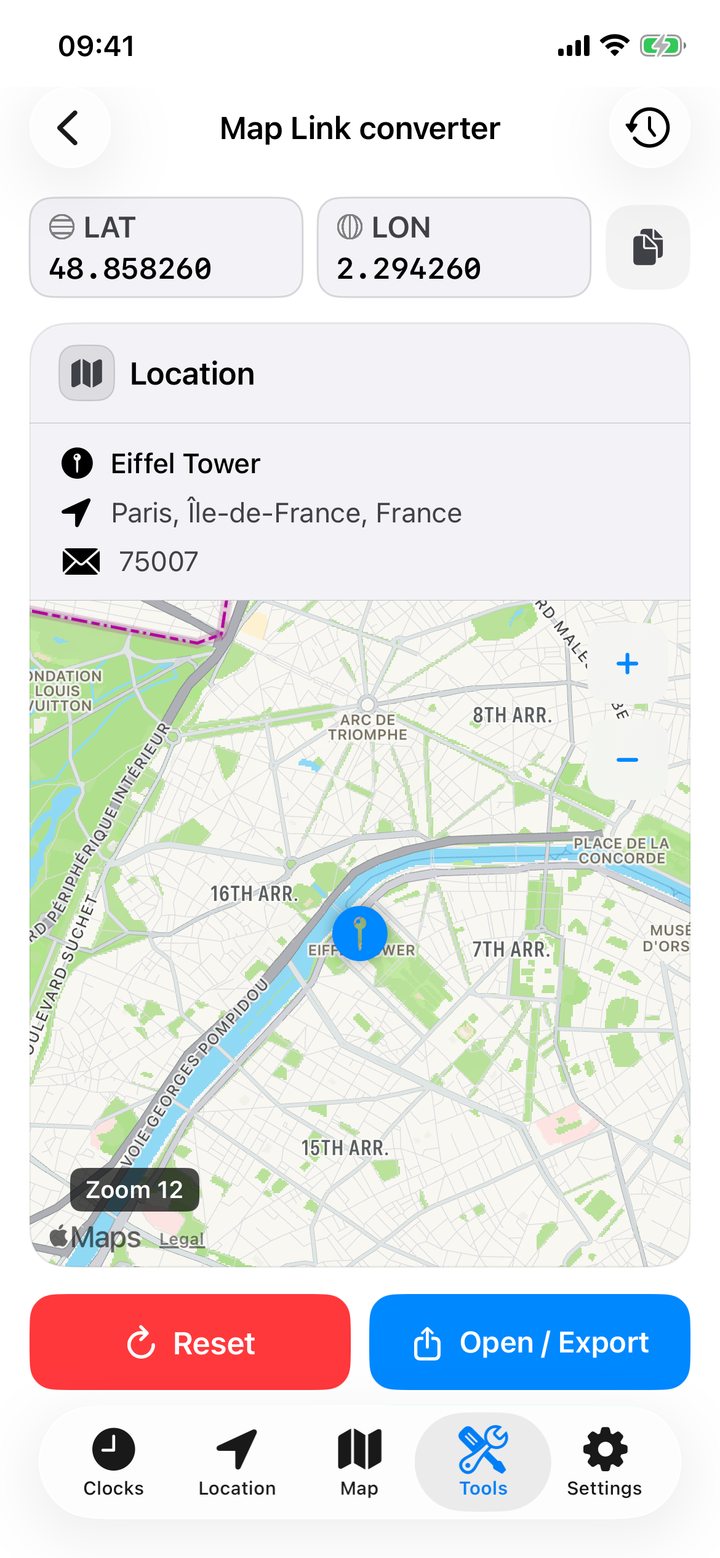
- Tap Paste, then Convert. Check the point on the map and its name or address when available.
- Copy the output format you need or open the same point in another map app. Double-tap the result map to recenter it.
Open a link without copying it
In Apple Maps, Google Maps or another app, tap Share and choose World Clock. The converter opens with the link already entered.
What you can paste
- Map links from Apple Maps, Google Maps, OpenStreetMap, Bing Maps, Waze, Yandex Maps, HERE and Guru Maps, including supported short links.
- Coordinates in decimal degrees, degrees/minutes/seconds (DMS), or degrees and decimal minutes (DMM).
- Grid references and location codes such as UTM, MGRS, Plus Code, Geohash and geo URIs.
Open the supported-input guide in the app for examples. Resolving a short link may contact the service that created it. Different geographic reference systems can affect map positions in China.
Choose a coordinate format
Decimal degrees work with most maps. DMS and DMM are common on navigation charts and GPS receivers. For grid references, choose UTM or MGRS. Plus Code and Geohash encode a location as text. The converter also offers Maidenhead for amateur radio, GEOREF for aviation and GARS for area references.
Open directions or send the result
Open the point or request directions in a supported map service. Share text, a map card or both. Choose the address, coordinates, link and map zoom. Including the map link can add a QR code to the card.
Reuse a conversion
Successful conversions appear in History on your device. Reopen an entry, or swipe left or touch and hold to rename or delete it.