 World Clock
Explore the sky above a place
Find the Moon in the sky, follow daylight across Earth or watch clouds move in a sequence of satellite images.
Where to find itTools › Sky
Find the Sun and Moon in your sky
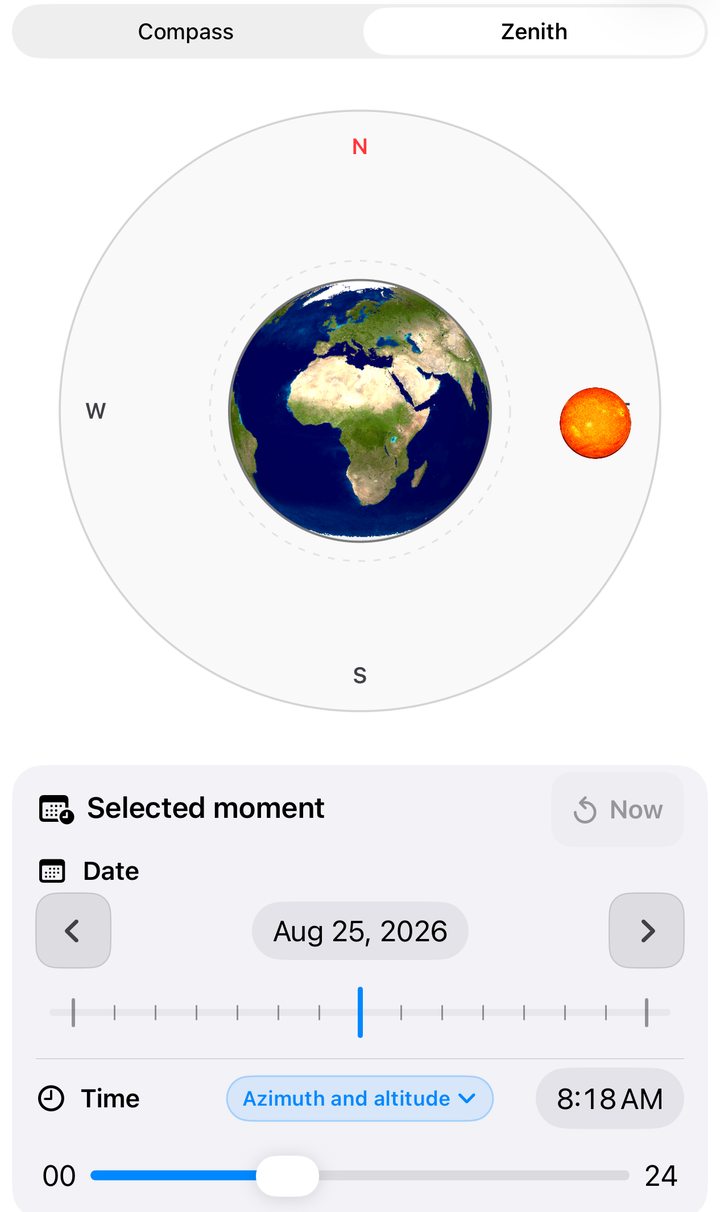
Choose Sun & Moon. In compass view the sky follows the direction the device faces. Lock north to keep it at the top. In zenith view, the center is the point directly overhead and the edge is the horizon. Azimuth gives compass direction. Altitude tells you how high an object is above the horizon.
Move the date or time to see a different sky, then tap Return to now. The information button explains both projections. The Sky overview also shows rise and set times for the selected day.
Find the next full moon
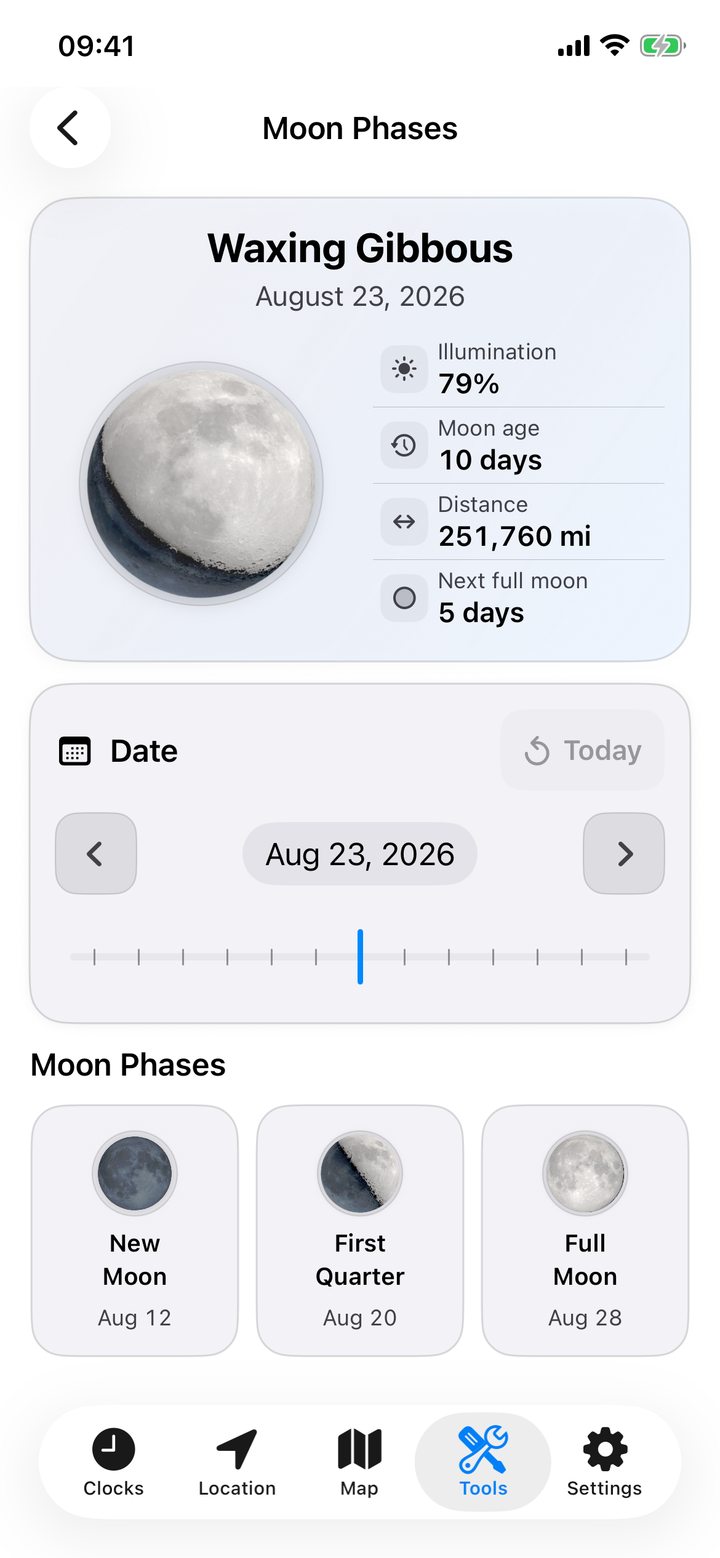
Open Moon Phases for the phase name, illuminated percentage, age in the lunar cycle and distance. Check the countdown to the next full moon or tap a date in the phase calendar.
Follow daylight across Earth
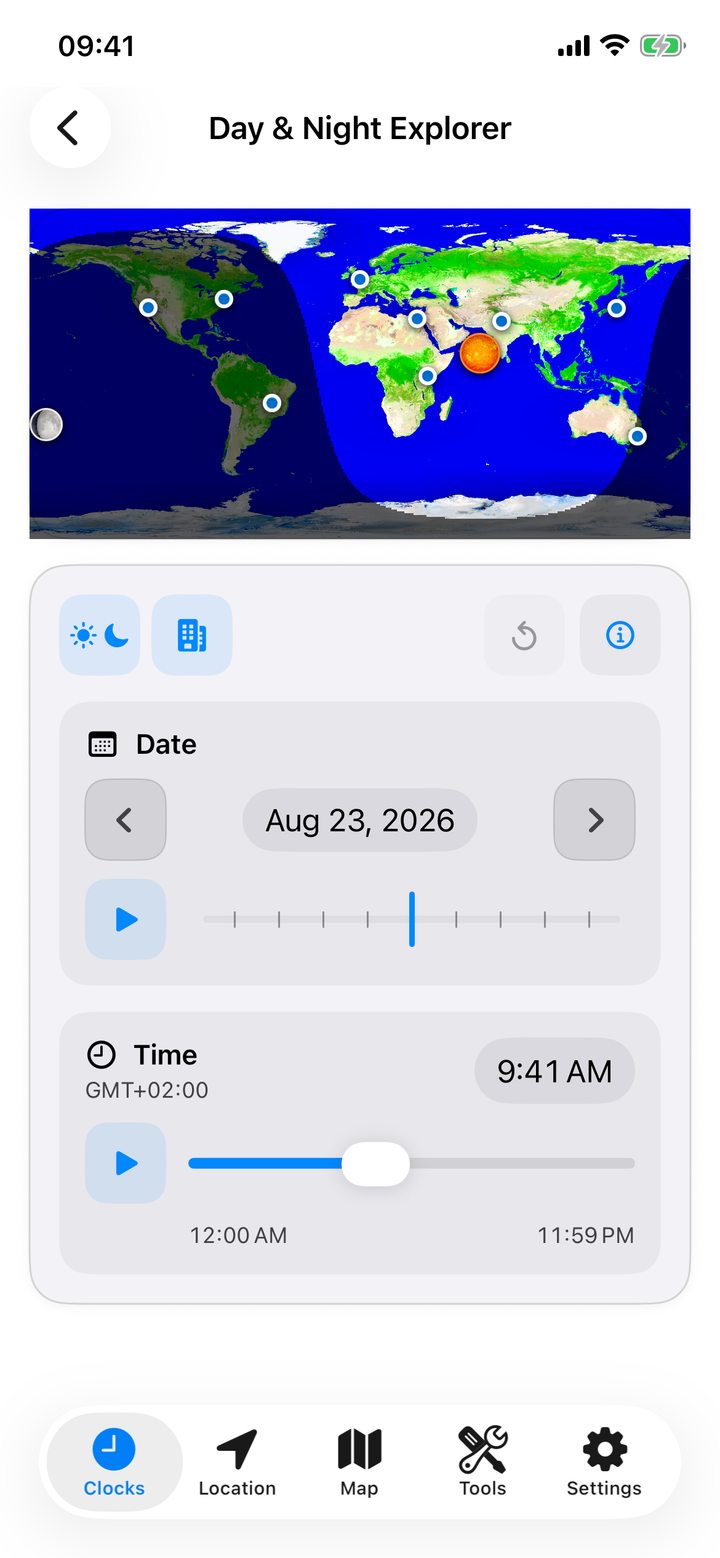
Open Day & Night Explorer. Move the time slider to follow daylight across 24 hours. Move the date slider to see how the seasons change the length of the day. Show your favorite cities for reference.
Tap the Sun and Moon control under the map to show where each is directly overhead. Play beside the time to advance five minutes at a time. With both symbols showing, play beside the date to advance a day at a time. Tap again to pause, or return to now.
Read a satellite image
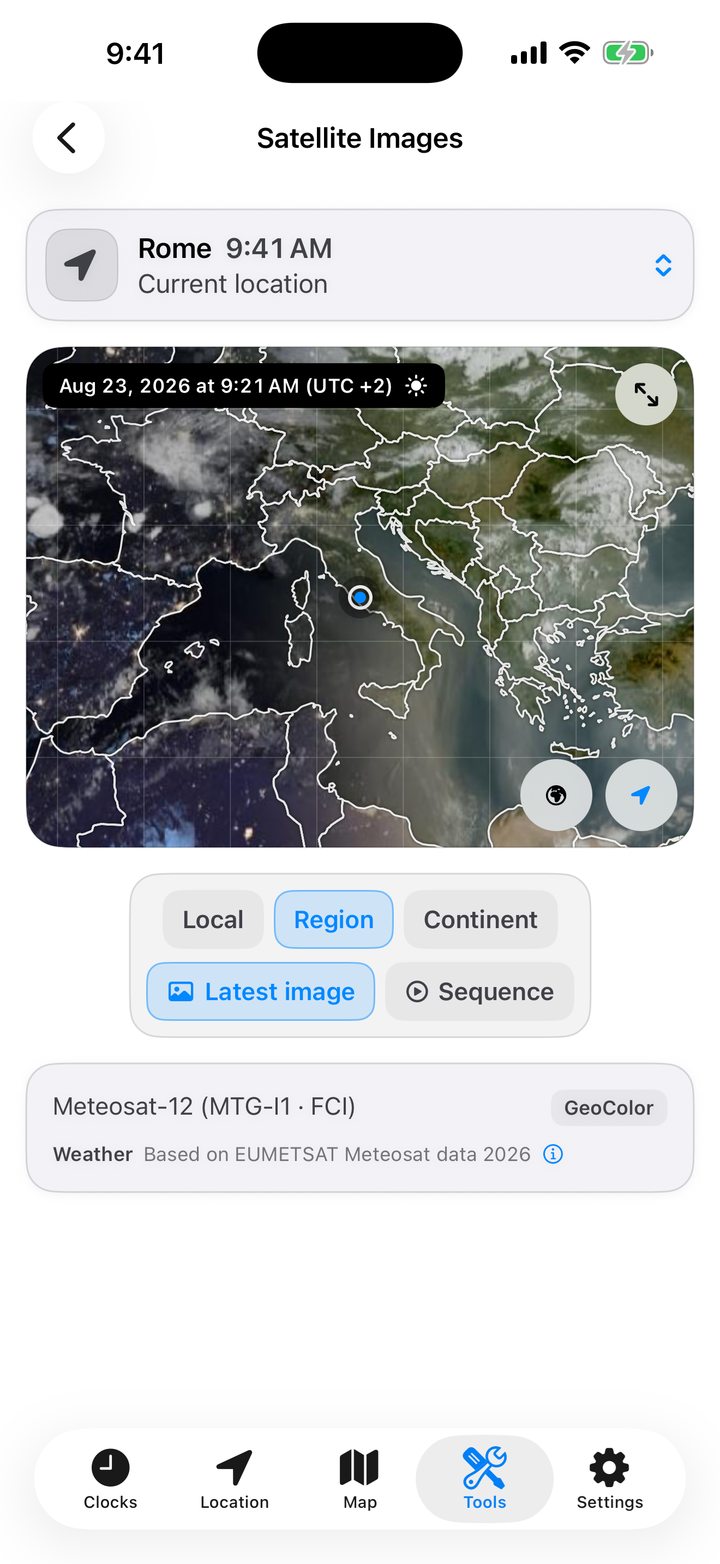
In Satellite Images, select your location, a favorite or another city. Choose a local, regional or continental view and an available product. Visible light and natural color are useful in daylight. Infrared can also show clouds after dark.
Play the latest frames as a sequence, pause, or pinch to inspect a cloud system. Toggle the location marker and geographic overlay. The observation time, satellite and provider appear below the frame.
For the Moon’s shadow during a solar eclipse, see Solar eclipses.