 World Clock
Offline features, data and permissions
See which tools work offline, where online information comes from and which permissions individual features use.
What you can do offline
Compare clocks and time zones, move the time slider, plan meetings and search the built-in city directory. Sun and Moon calculations, lunar phases, daylight and solar eclipse calculations also work offline.
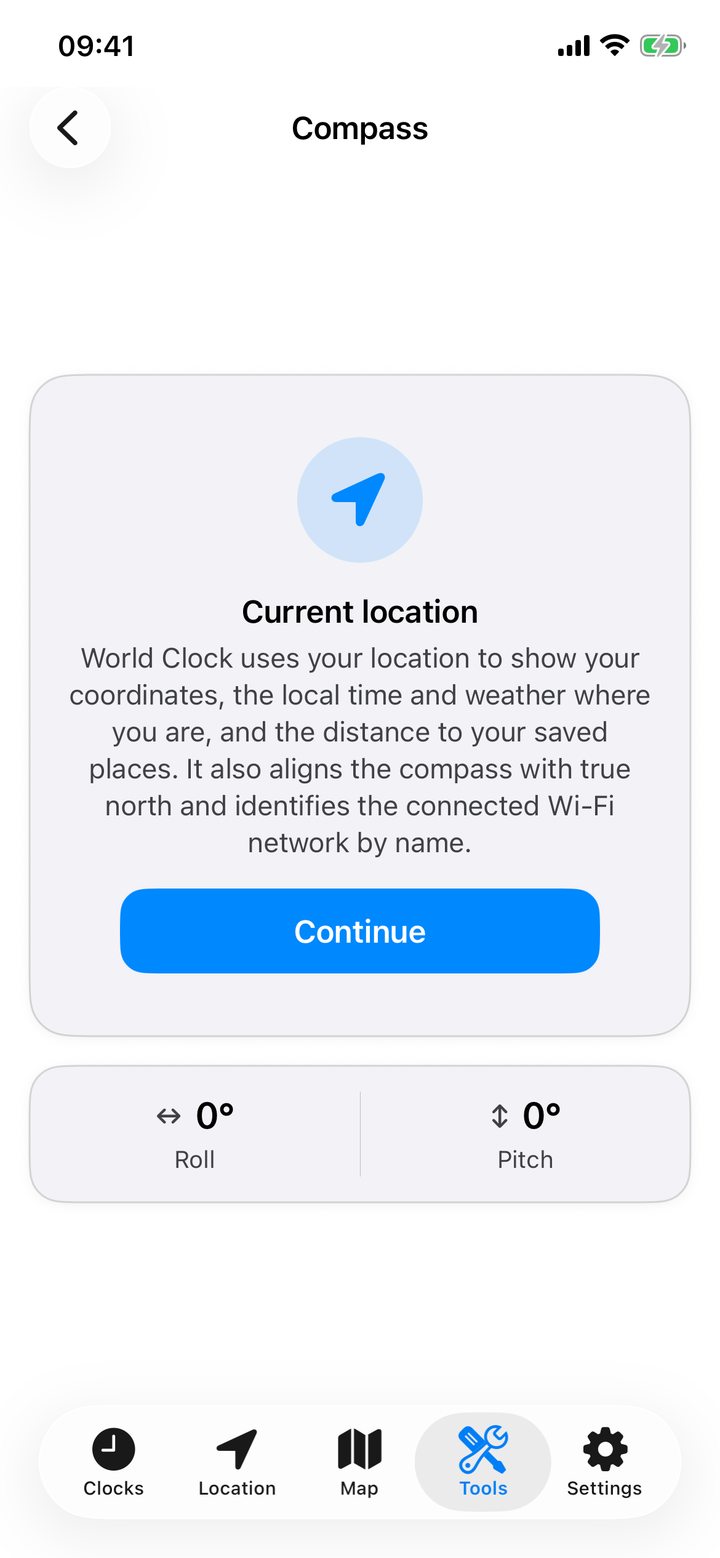
The airport directory, flight duration calculations, calculators, compass, flashlight and games are available offline. GPS can provide coordinates without internet access. Map tiles, street addresses and weather may need a connection.
What uses a connection
- Weather and satellite images. Open-Meteo supplies weather. EUMETSAT and NASA supply satellite imagery.
- Maps and nearby places. Apple Maps provides maps. GeoNames supports worldwide search and nearby places. OpenStreetMap provides addresses, boundaries and points of interest. Wikipedia and Wikimedia Commons provide articles and images.
- Exchange rates. Fawaz Ahmed’s Currency API supplies indicative rates, usually updated daily.
- Network tools. Internet and speed contacts IPWhois for public network details. OpenSpeedTest handles the speed test. Ping and Website contact the address you enter.
- Time and map links. Time Verification uses an NTP server. To resolve a short map link, the converter may contact the service that issued it.
Review permissions
Location access enables location details, distances and local currency suggestions. Precise Location may also be needed to read the Wi-Fi name. Local Network access enables Wi-Fi scanning. Health read access supplies steps. Photos add access allows shared cards to be saved. You can review these permissions in iOS settings and Health.
What stays on your device
Favorites, saved trips and calculations, conversion history and saved Wi-Fi inventories are kept locally. Open Settings › Cache to inspect and clear downloaded items. This guide loads its own files and uses no cookies, analytics or trackers.