 World Clock
Calculate hours, dates and temperature
Add up a timesheet, count the days between two dates or see why the air feels warmer or colder than the thermometer suggests.
Where to find itTools › Calculations
Use the basic calculator
Open Basic Calculator to add, subtract, multiply or divide. The keypad includes decimals, a sign change, delete and clear.
Add hours and minutes on a timesheet
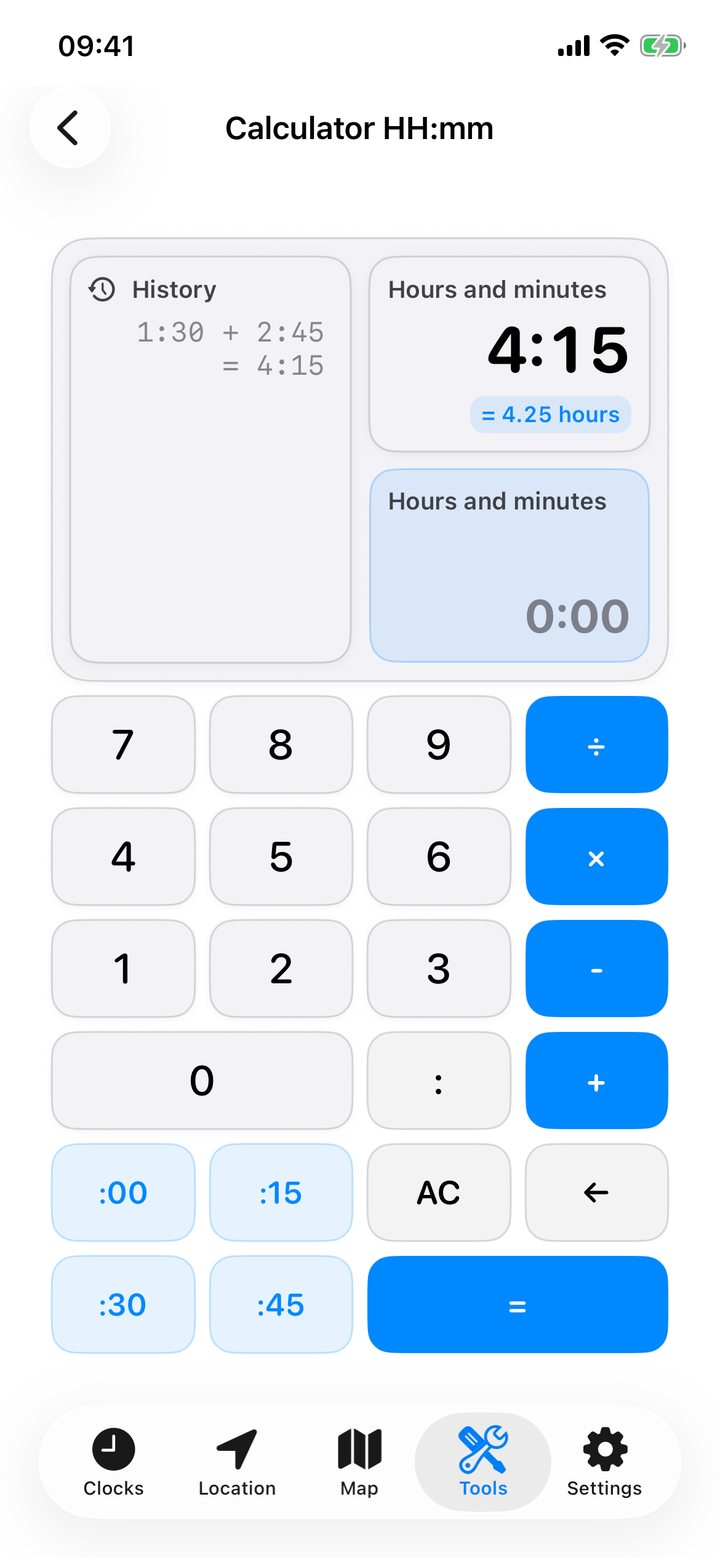
- Open Calculator HH:mm. Enter the length of your first shift, for example 1:30.
- Tap +, enter 2:45 for the second shift, then tap =.
- Read 4:15 for the total in hours and minutes, or 4.25 hours for a decimal timesheet.
You can subtract durations, scale them by a number and compare two durations. To see how many 1:30 sessions fit in 4:15, use the complete-periods calculation. The result is two sessions with 1:15 left. The calculation tape survives closing the app. Touch and hold it to copy or clear it.
Count time between dates
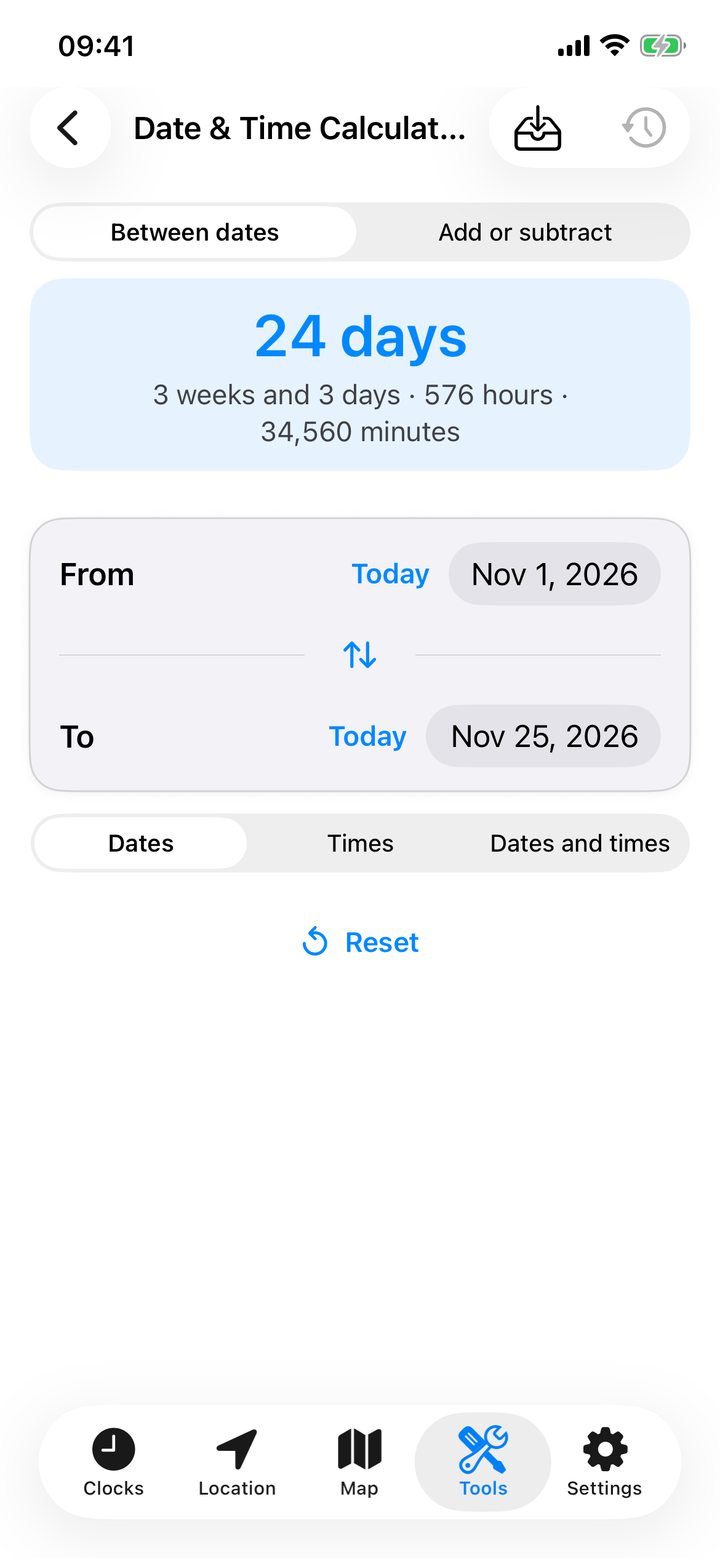
Open Date & Time Calculator and select Between dates. Choose dates for calendar days, clock times for hours, or dates with times for both. In time-only mode, an end time earlier than the start is treated as the next day.
Set both endpoints. Read the natural breakdown in years, months, days, hours and minutes, or convert the interval to one unit. Save it with a name to revisit it. Swipe left on a history entry to rename or delete it, or reset a field to today or now. To find the date before or after a known date, switch to Add or subtract.
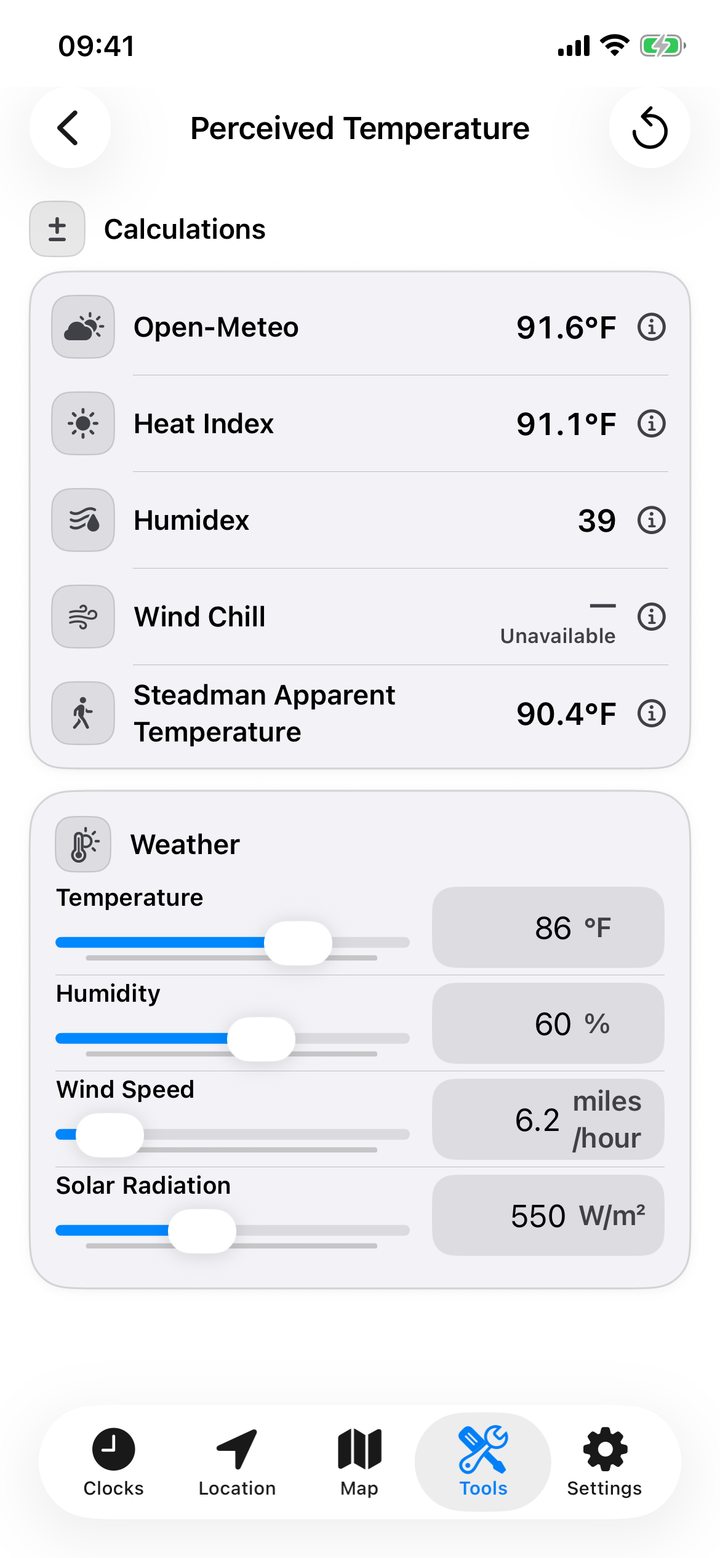
Explore why the air feels different
Open Perceived Temperature, or tap the feels-like temperature on a weather page to bring its readings into the calculator. Set temperature, humidity, wind and solar radiation. Compare Open-Meteo apparent temperature, heat index, Humidex, wind chill and Steadman apparent temperature.
Each method has a range where it applies. In cold, windy weather, for example, wind chill can be useful while the heat index will be marked as inapplicable. Tap a method for its formula, explanation and source, or reset the inputs to compare another set of conditions.