 World Clock
Before you travel
Look up the currency, power sockets and time zone at your destination.
Where to find itTools › World
Check a destination
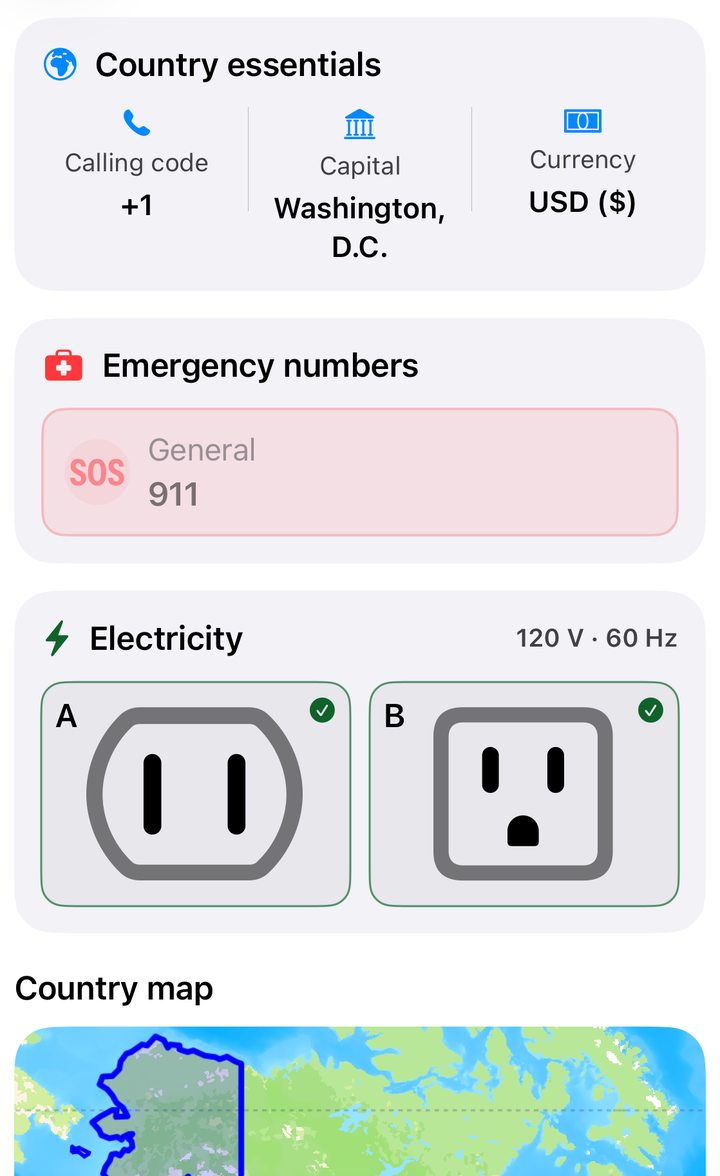
Open Countries and search by name or code. The country page lists its capital, calling code, currency, sockets, voltage and frequency. You can enlarge the boundary map and tap an available emergency number to call.
Look up a currency
In Currencies, browse by country to find the local currency, code and symbol, or browse by currency to see where it is used. Search by name, code or symbol, use the alphabetical index, then open the converter for the currency you select.
Convert an amount
- Open the currency exchange tool. Choose what you are exchanging and the currency you want to receive. Where available, the app suggests the currency for your location.
- Enter the amount. Tap the two arrows to swap currencies. Tap delete to correct one digit, or hold to clear the amount.
- Check the date under the result. If a refresh fails, the app uses its last saved rates and tells you. These are indicative rates. Banks and exchange offices set their own rates and fees.
Explore time zones on the map
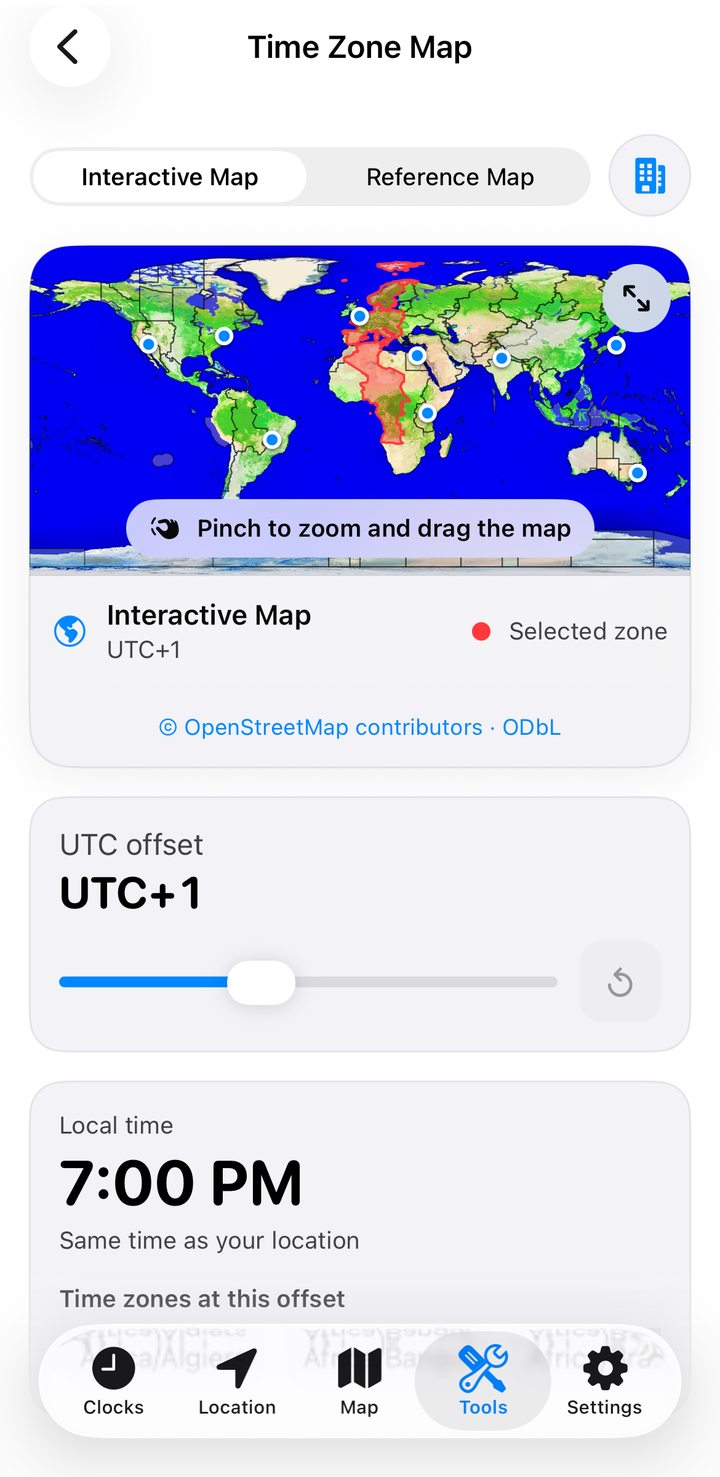
Open Time Zone Map and select a UTC offset. See the time there, the difference from your clock, which zones currently share that offset and whether daylight saving time applies. Show or hide your favorites, open the built-in reference map full screen or return to your current zone.