 World Clock
iPhone and iPad
World Clock user guide
Check the time in another city, find a good time to call or plan a trip across time zones.
What would you like to do?
- Check the time in Tokyo
- Find a good time to call abroad
- Keep home time in view while traveling
- Work out how long a flight takes
Explore the guide
Time, cities and travel
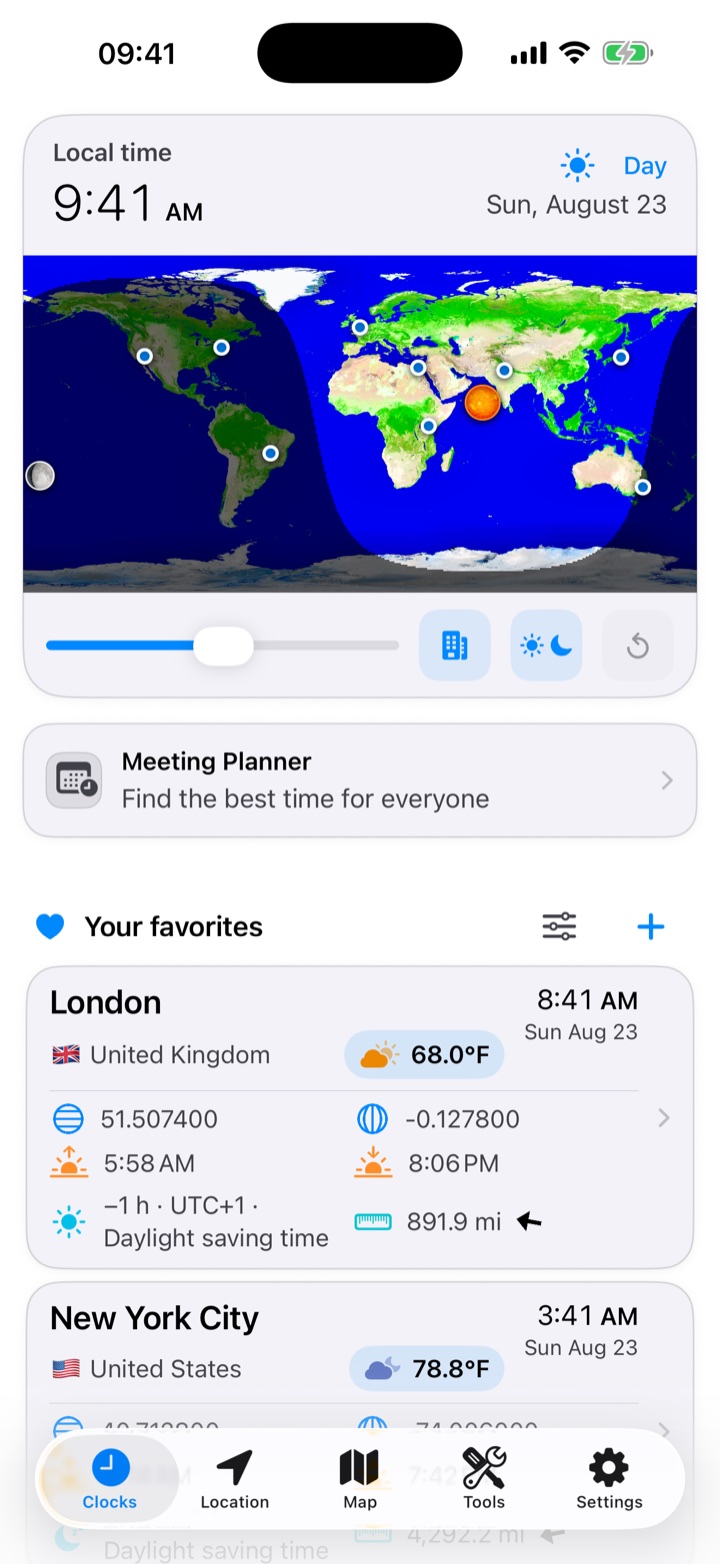
Clocks and favoritesRead the time and date at home and abroad. Shift every clock together to see what an evening call would mean for someone else.Meeting PlannerCompare the local working hours of everyone on a call and share a time that works for the group.Places and weatherLook up a city’s local time, forecast, sunrise and sunset. The built-in city directory works offline.Your locationFind your coordinates, altitude and address, then see what is nearby or send someone your location.Map and globeFind your favorite cities on a map or globe and save a meeting point, trailhead or beach of your own.Countries, currencies and time zonesLook up the currency, power sockets and time zone at your destination.Flight ItineraryEnter the local times on your tickets to find your time in the air, your layover and the time back home when you land.
Sky, network and tools
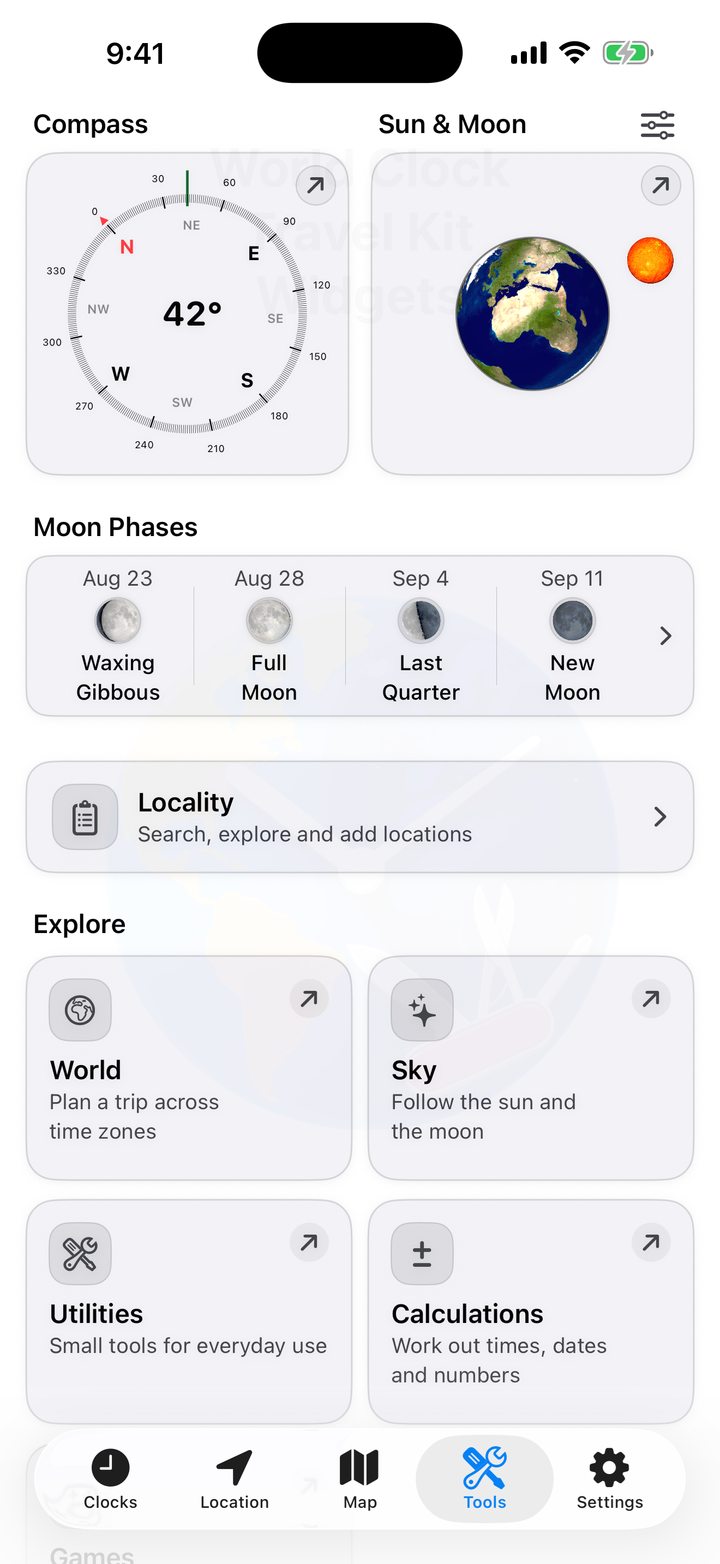
Sun, Moon and satellitesFind the Moon in the sky, follow daylight across Earth or watch clouds move in a sequence of satellite images.Solar eclipsesCompare the eclipse path with your location and read the time of maximum coverage where you plan to watch.Internet and cellularIdentify the active SIM, measure your connection speed or find out why a website will not open.Wi-Fi ScannerScan your home or office network to identify devices, see their services and keep a record of what you find.Map links and coordinatesTurn a map link or grid reference into coordinates you can copy, share or open in your favorite map app.CalculatorsAdd up a timesheet, count the days between two dates or see why the air feels warmer or colder than the thermometer suggests.UtilitiesTake a compass bearing, compare today’s steps with the past week or turn on the iPhone light.GamesChoose from 36 offline games, including four World Clock quizzes, chess and quick memory challenges.
Personalize and share
WidgetsKeep home time beside local time, check a city’s weather or leave yourself a reminder without opening the app.SharingSend someone a place they can open on a map, a flight itinerary they can edit or a meeting schedule in everyone’s local time.SettingsChoose how to display time, distance and weather, and which details appear under each favorite city.
More help
Gestures and shortcutsSave an unmarked spot, rename a favorite or open a map link straight from a message.Common questionsFind answers about a missing widget time, an empty scan, an inaccurate location or a city removed by mistake.Data and privacySee which tools work offline, where online information comes from and which permissions individual features use.
Get to know the five tabs
Open Clocks to compare cities, Location to see where you are and Map to explore saved places. Tools holds the six tool categories. Settings holds your preferences.