World clocks that explain the day
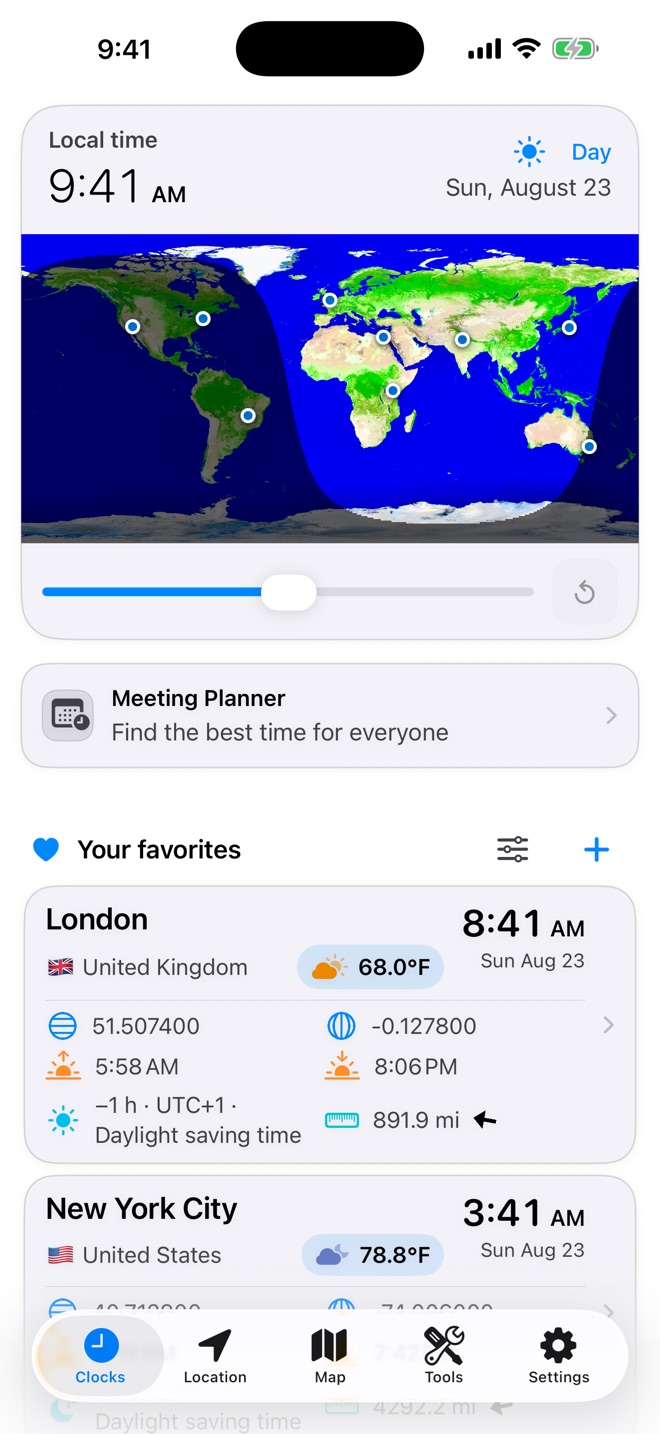
Compare favorite cities with local dates, daylight, weather, sunrise and sunset, distance, and time-zone differences.
 World Clock
Your world, in one place
World clocks, local weather, maps, astronomy, travel planning, and everyday utilities — thoughtfully combined for iPhone and iPad.
More than a clock
Move from a city’s local time to its weather, coordinates, daylight, map, and travel context without assembling a collection of separate apps.
Compare favorite cities with local dates, daylight, weather, sunrise and sunset, distance, and time-zone differences.
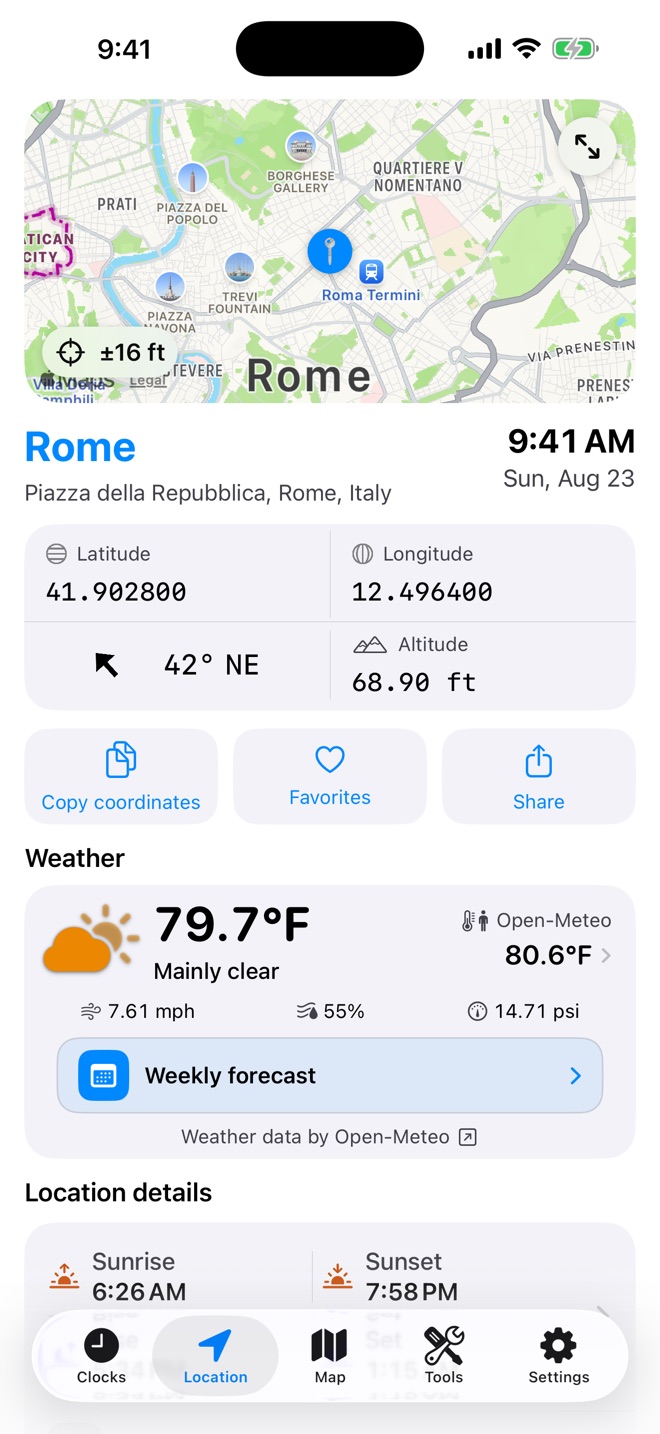
See coordinates, altitude, heading, nearby details, weather, and shareable location formats.
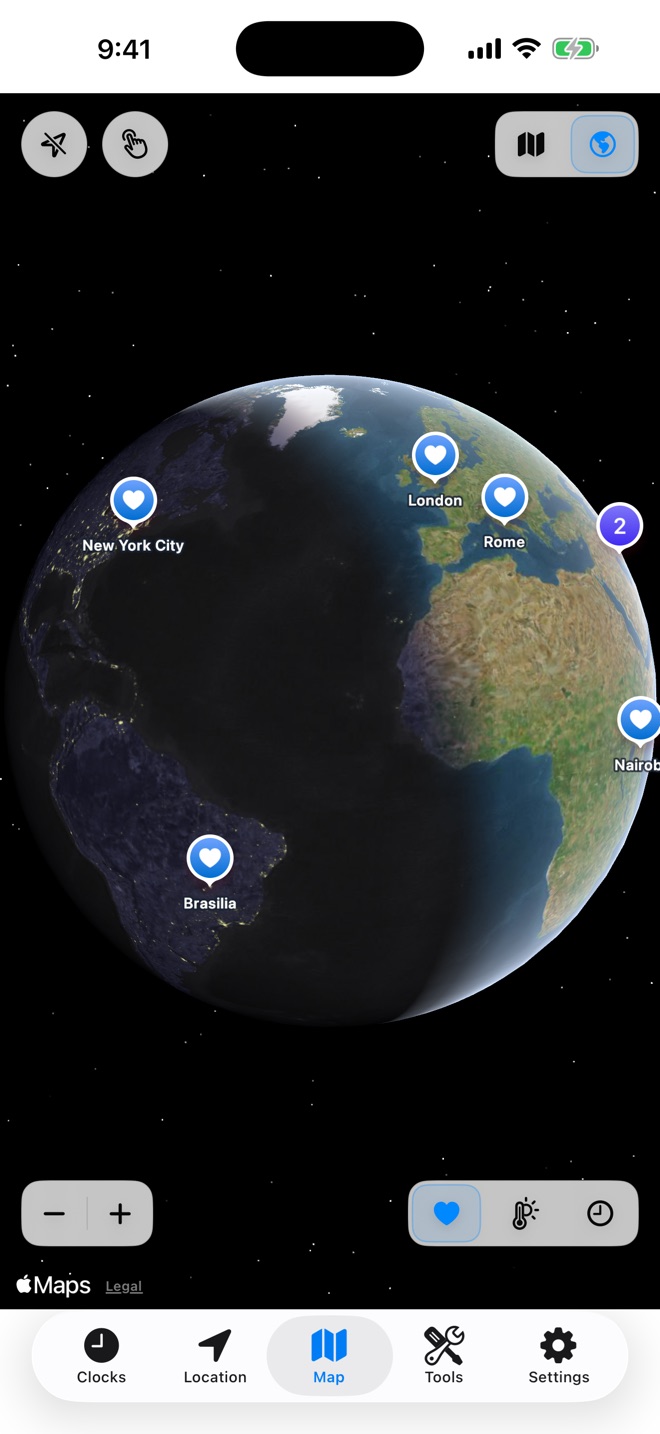
Use native maps and a day-and-night globe to understand places at a glance.
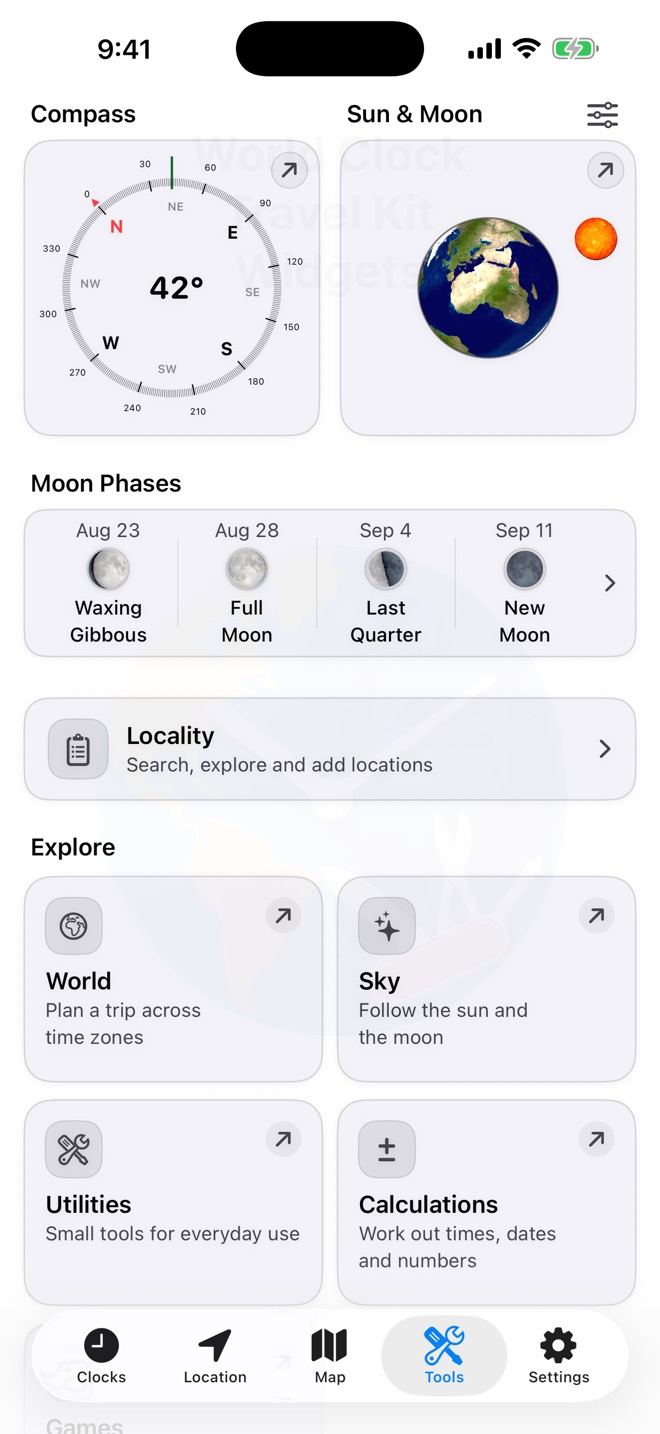
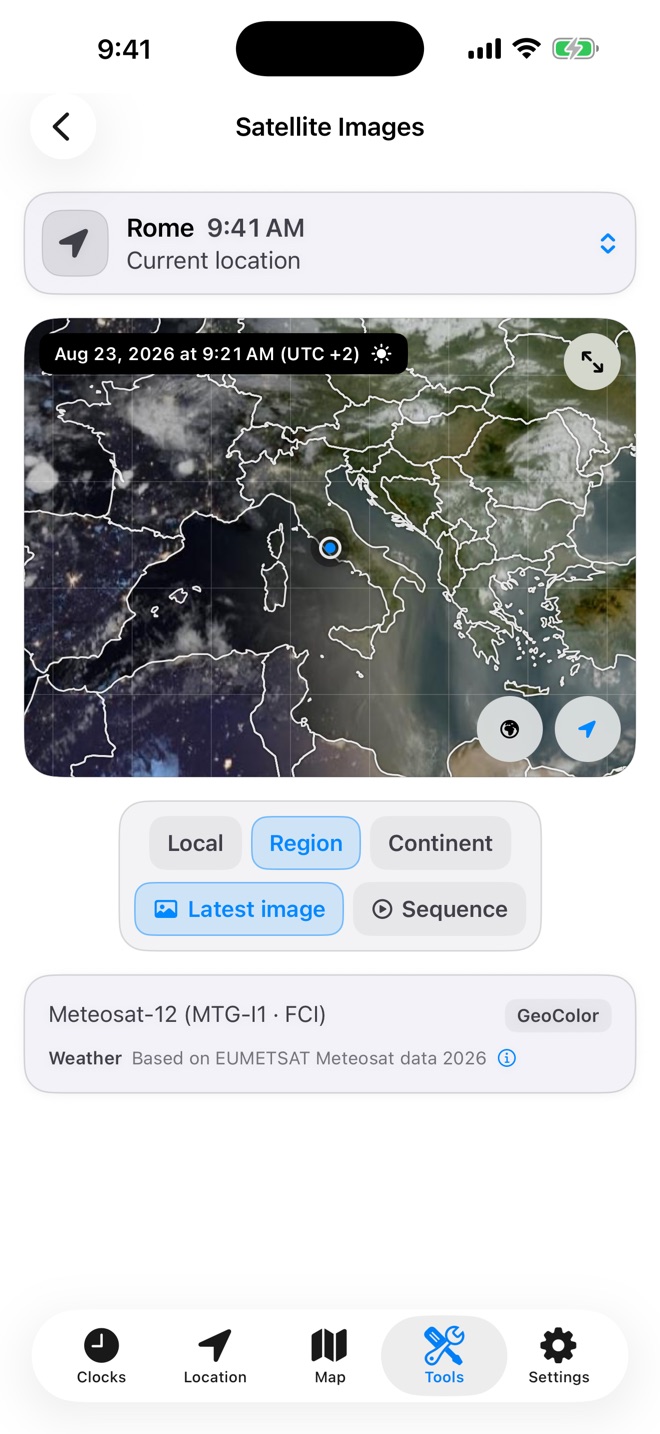
Check Sun and Moon information, moon phases, satellite imagery, and useful astronomical calculations.
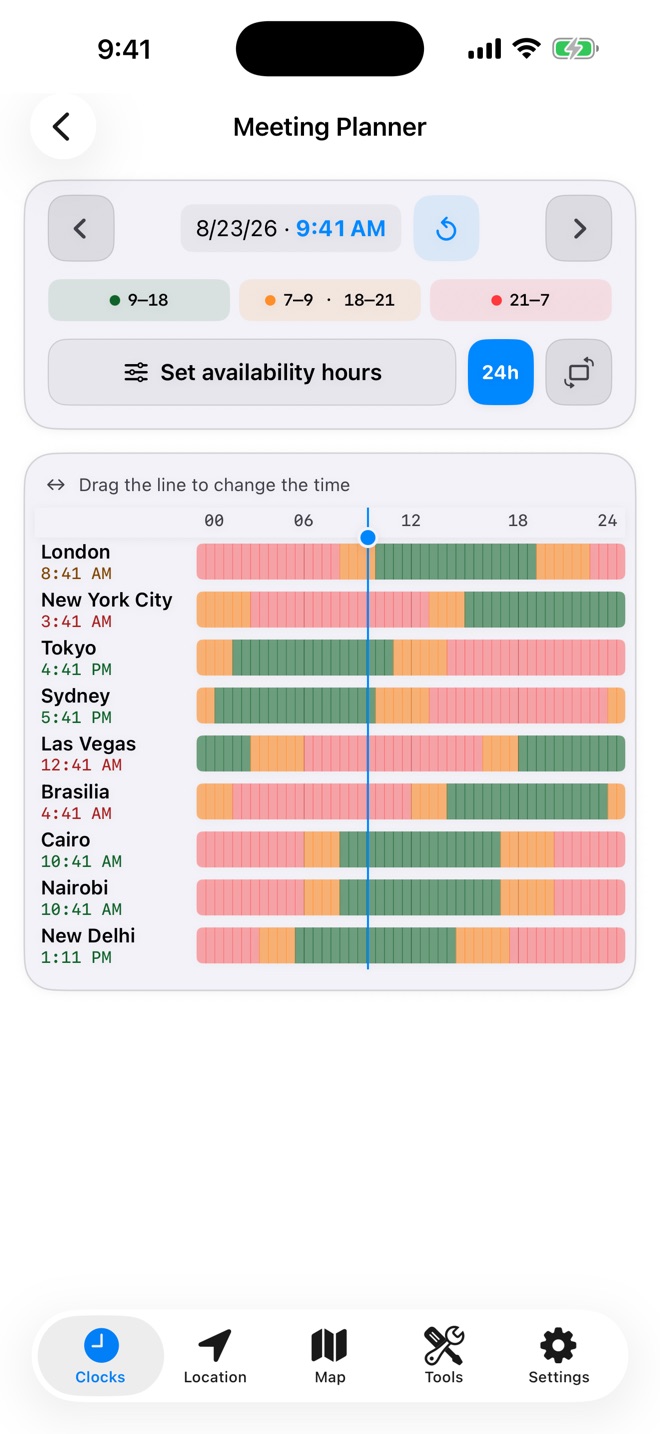
Find workable meeting times, compare flight schedules across time zones, and convert shared map links and location codes.
A visual travel kit
Support
Core calculations and saved information remain available without a connection. Current weather, place search, satellite imagery, map-link resolution, public IP information, and web-based tools require network access.
Yes. World Clock has its own time-format setting, independent of the format selected in iOS.
Favorites, preferences, histories, and cached responses are stored on your device. The app includes controls for clearing histories and cached website data.
Some short links expose coordinates immediately. Others depend on the provider’s redirects or may require you to view the result on the provider’s website before precise coordinates become available.
Local discovery is designed for the network currently reachable by the device. Direct checks can also work across a private routed connection, such as a compatible VPN, when the target address and services are reachable.
Privacy
World Clock does not require an account, show advertising, or use developer analytics to follow your activity. Online features connect only when their data is needed.