Browse clearly
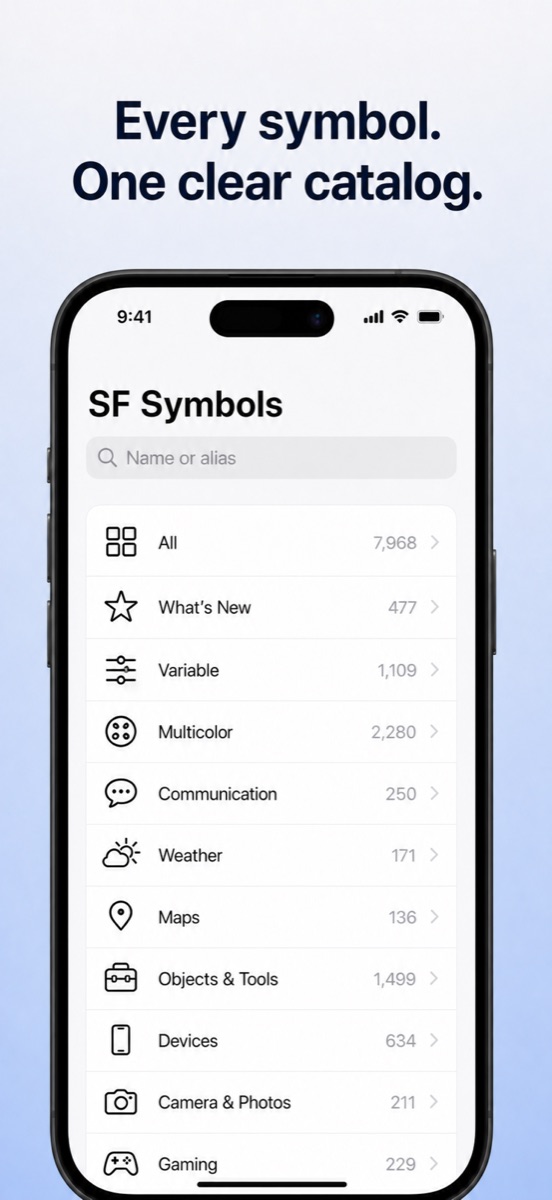
Explore the bundled catalog through familiar categories, with availability resolved for your device.
 Symbol Catalog
A focused catalog for iPhone
Browse thousands of SF Symbols, search names and aliases, inspect compatibility, and copy exactly what your project needs.
Designed to stay out of your way
Explore the bundled catalog through familiar categories, with availability resolved for your device.
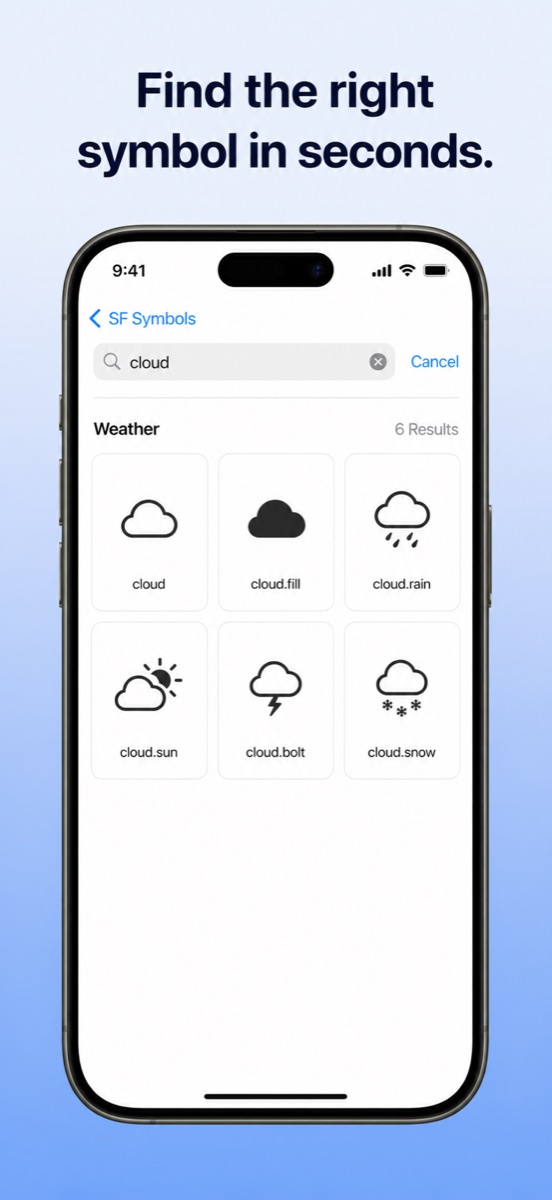
Find symbols using canonical names, aliases, or related terms, including searches inside a category.
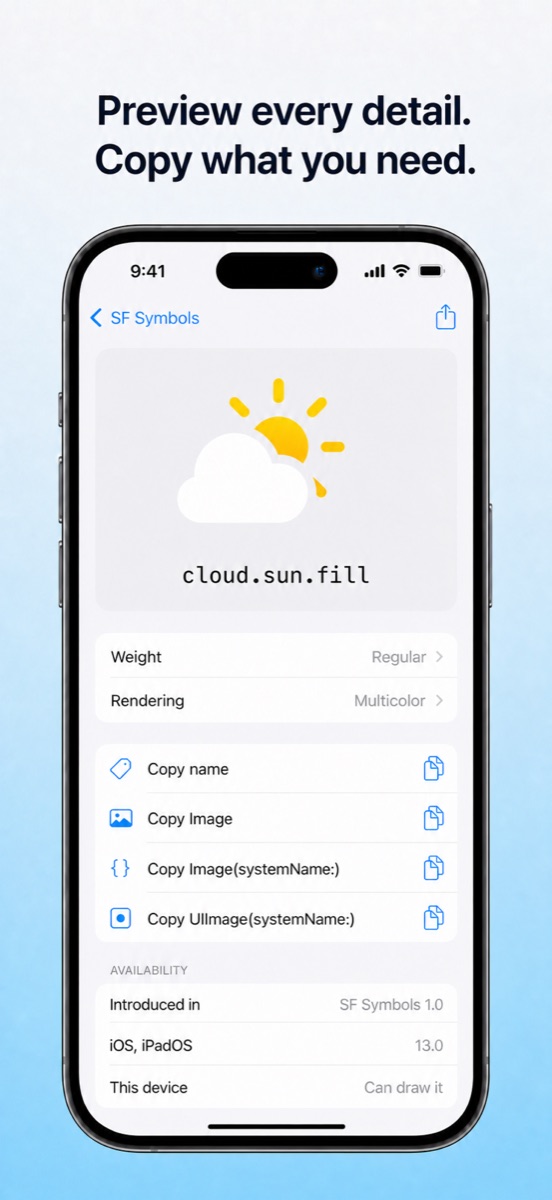
Inspect rendering, weight, platform support, and copy names, images, SwiftUI code, or UIKit code.
A practical native interface
Support
No. The catalog is bundled with the app, so browsing and search work offline.
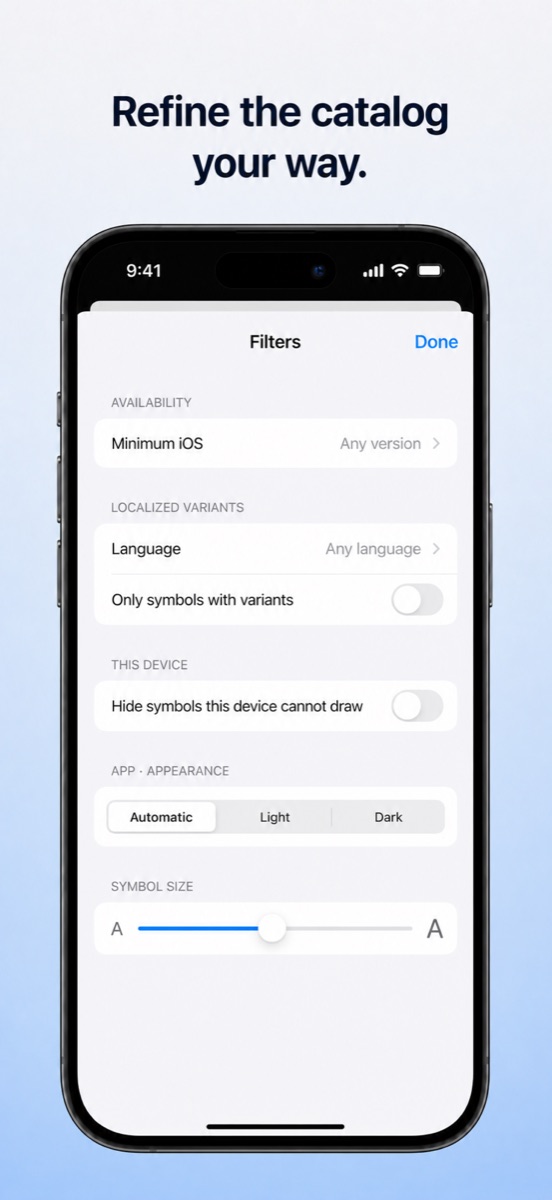
Some symbols require a newer version of iOS. Open the symbol details to check its platform availability.
SF Symbols do not have a public text encoding. The app copies a rendered bitmap rather than a text character.
Search matches symbol names, aliases, and related terms. Inside a category, results stay limited to that category.
Private by design
No analytics, advertising SDKs, accounts, or remote search services.