Understand your position
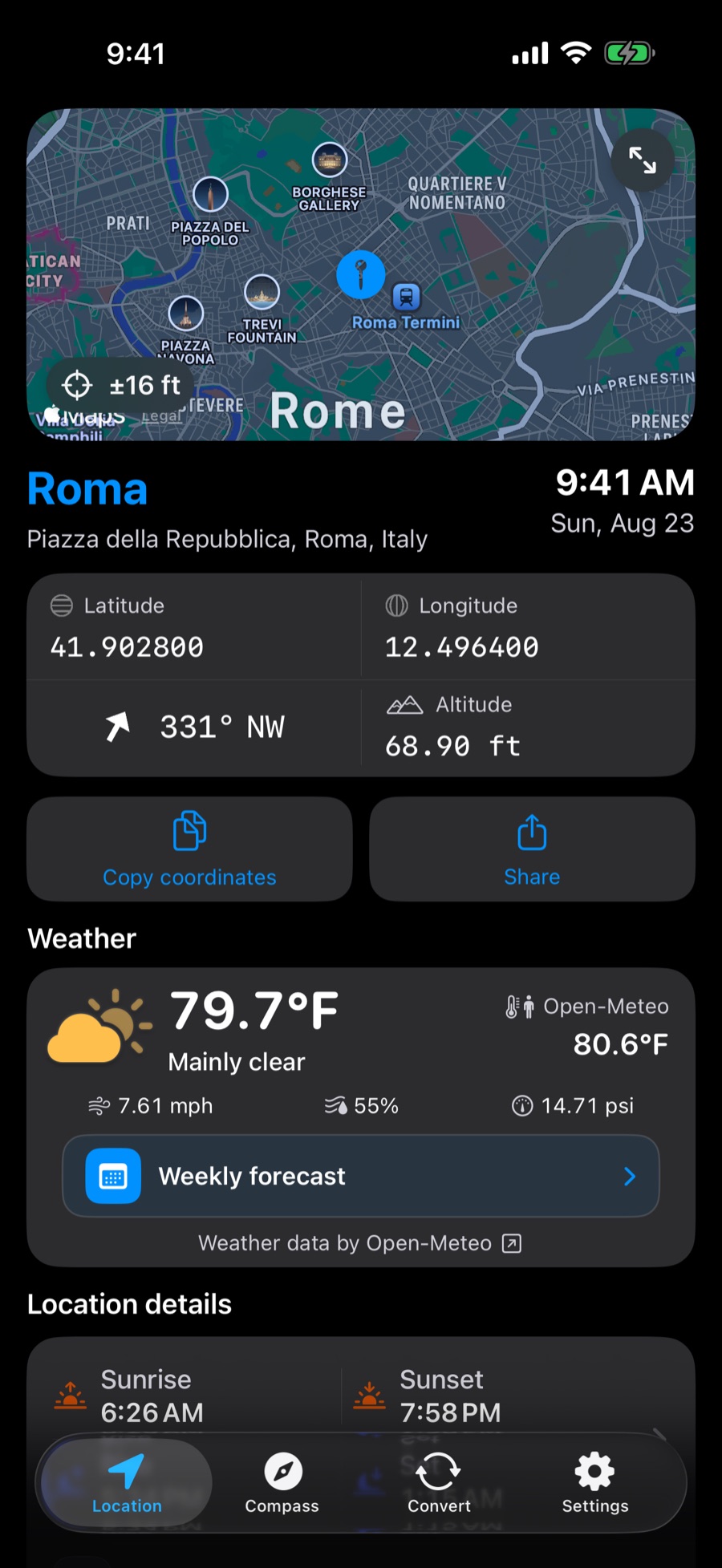
Check latitude, longitude, altitude, accuracy, heading, address, country, and useful local information.
 Where Am I
Location, compass, and coordinates
See your position, address, coordinates, altitude, heading, and local weather in one clear view. Convert location formats and map links when you need to take that place somewhere else.
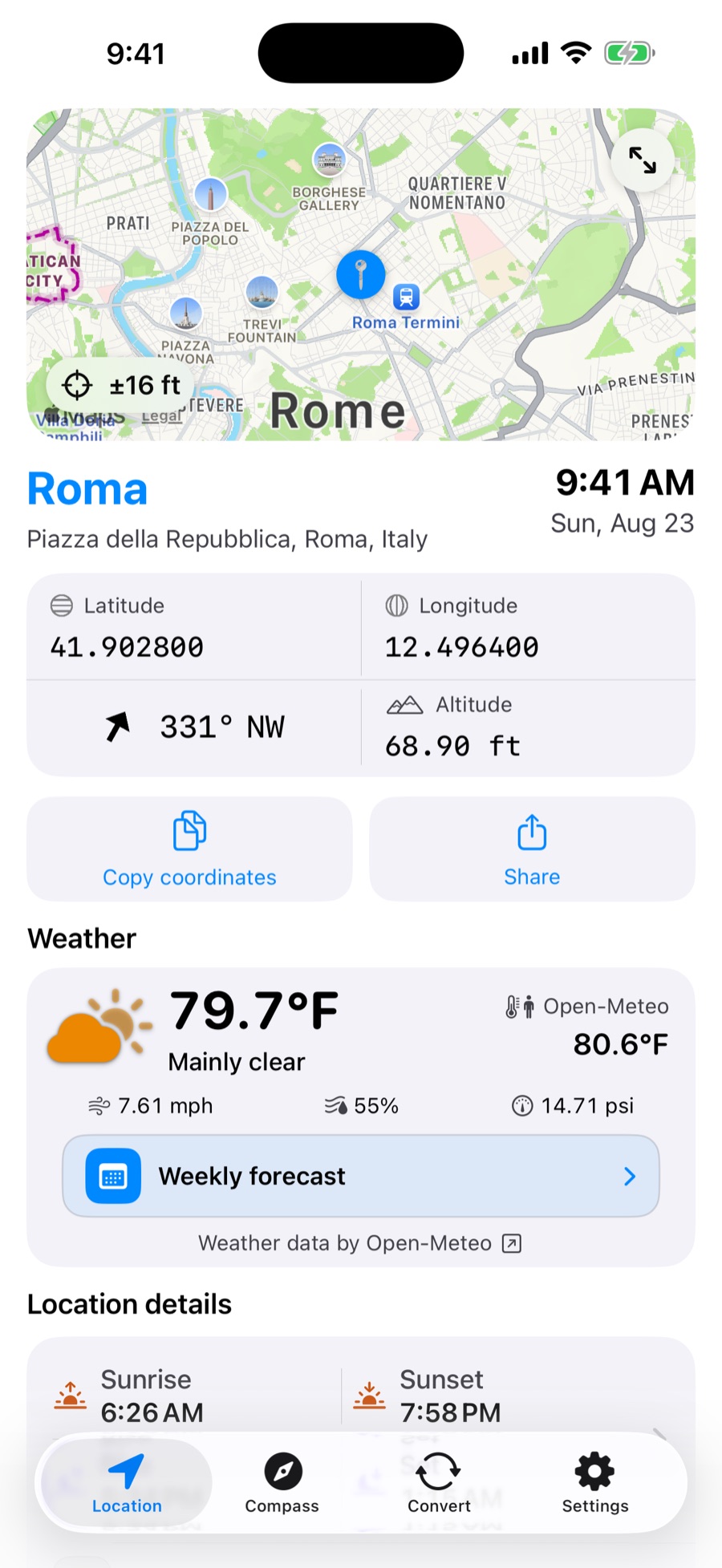
Your location, explained
Where Am I turns the sensors and location services on your iPhone into information you can understand, use, and share.
Check latitude, longitude, altitude, accuracy, heading, address, country, and useful local information.
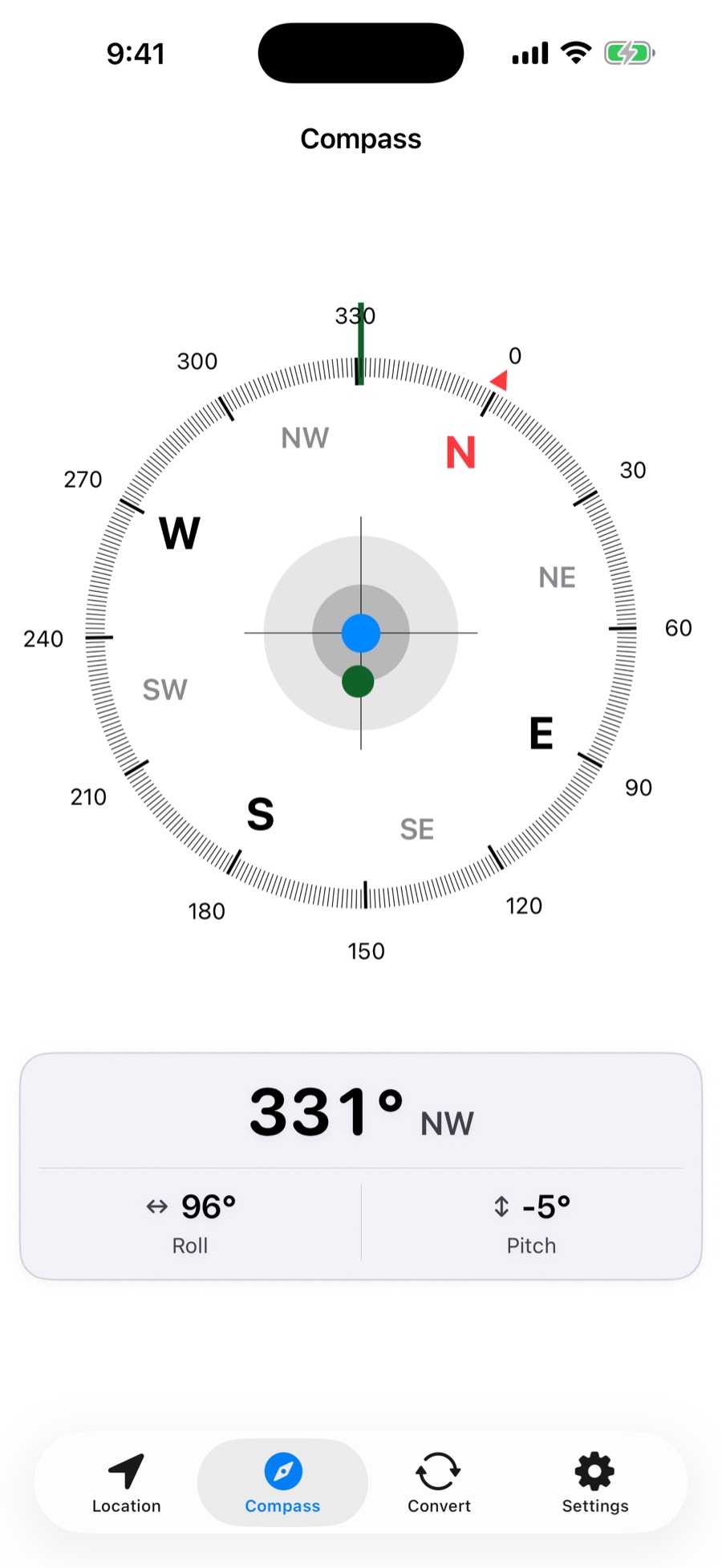
Use a detailed compass with direction, degrees, roll, and pitch whenever orientation matters.
See current conditions, feels-like temperature, wind, humidity, pressure, and the weekly forecast from Open-Meteo.
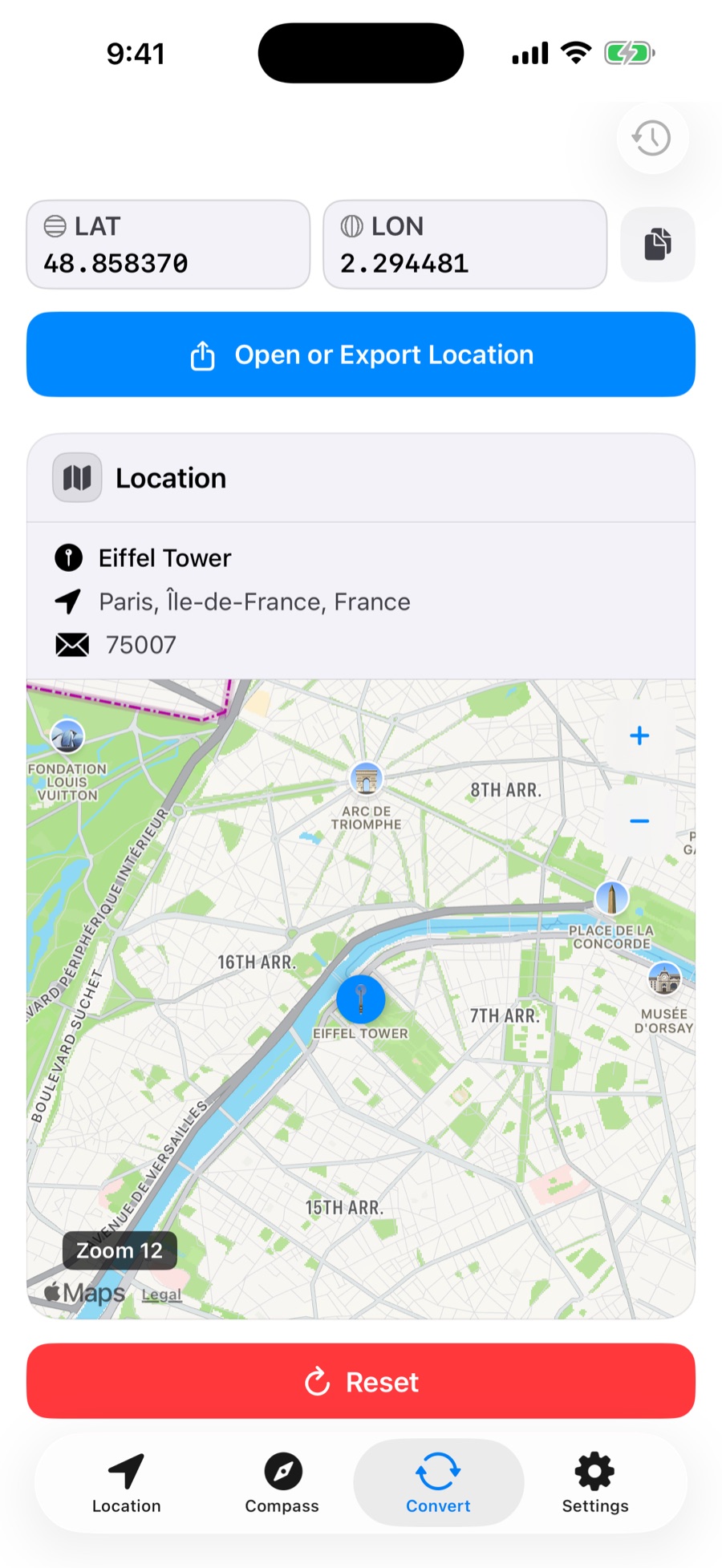
One place, many formats
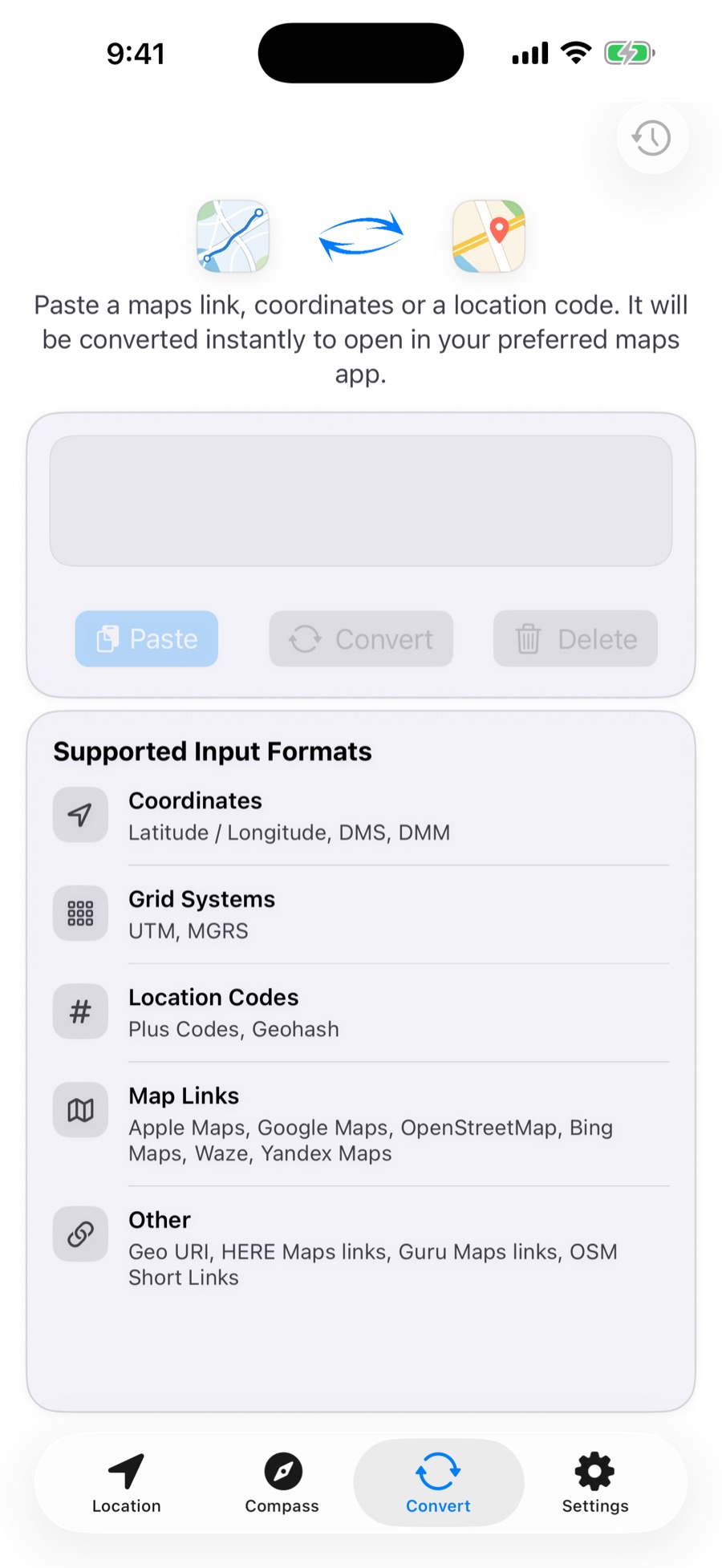
Paste coordinates, a location code, or a link from a supported map service. Where Am I identifies the place and prepares it for the map app you prefer.
Designed for the moment
Move from orientation to conversion, then choose the appearance that works best for you.
Works with World Clock
If World Clock is installed, saved locations and Map Convert history can be available in both apps. Where Am I remains a complete standalone app, with its own appearance and measurement preferences.
Simple and transparent
Where Am I uses location access to show your current position and related information. Cache controls in the app let you remove downloaded and temporary data.
This website uses no cookies, analytics, advertising pixels, or tracking scripts. It contains only local HTML, CSS, and image files.